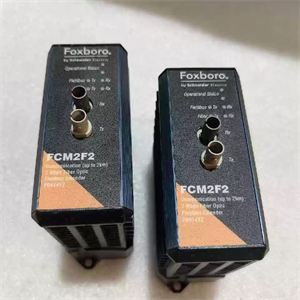
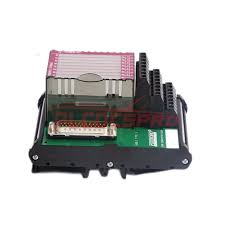
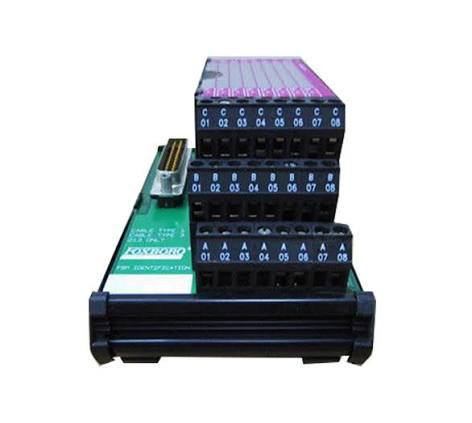
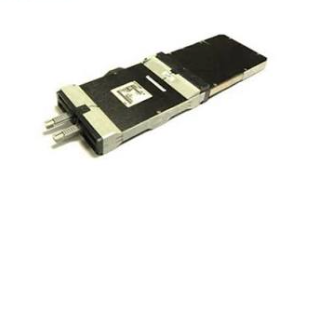
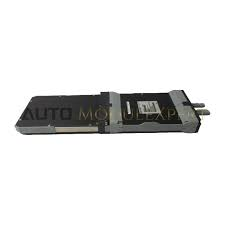
Technical Specifications
Note: Fiber optic cabling is purchased separately by the customer and must meet the exact specifications above. Using incompatible cable will result in communication failure.
Key Features & Benefits
Complete Immunity to Electrical Noise
Because the FCM2F2 transmits data over fiber optic cable, the communication link is completely immune to electromagnetic interference (EMI), radio frequency interference (RFI), and lightning-induced surges. This makes it the ideal solution for installations near high-voltage switchgear, large motors, arc welders, or outdoor areas exposed to lightning hazards.
Extended Reach for Remote I/O
The module overcomes the distance limitations of standard copper fieldbus segments, supporting individual segment lengths up to 2 km. This enables centralized control rooms while keeping I/O modules close to the actual process equipment, significantly reducing cable installation costs and signal degradation.
Natural Lightning & Surge Barrier
Since fiber optic cable does not conduct electricity, the FCM2F2 acts as an inherent surge barrier. It protects sensitive DCS baseplates from ground potential rises and lightning strikes that often travel through traditional copper cabling in outdoor or expansive industrial sites.
Redundant Configuration Support
FCM2F2 modules can be installed in pairs on a baseplate for fully redundant fiber optic links. If one module or fiber path fails, the system automatically switches to the secondary unit without dropping communication, ensuring maximum uptime for mission-critical applications.
Rugged Construction for Harsh Environments
The module features a rugged extruded aluminum housing that provides physical protection for internal circuits. It meets ISA Standard S71.04 for environmental protection up to Class G, ensuring reliable operation in corrosive chemical plants, offshore platforms, and other demanding industrial settings.
Hot-Swappable for Non-Disruptive Maintenance
The FCM2F2 can be removed and replaced from the baseplate without removing power. Six front-panel LEDs provide real-time diagnostics for fiber link integrity, network activity, and module health, enabling rapid troubleshooting and minimizing downtime.
Recommended Related Models
Note: FCMs at either end of a fiber optic cable must be identical types (e.g., two FCM2F2s). Redundant FCMs must be mounted in the first or last adjacent slots on the baseplate.
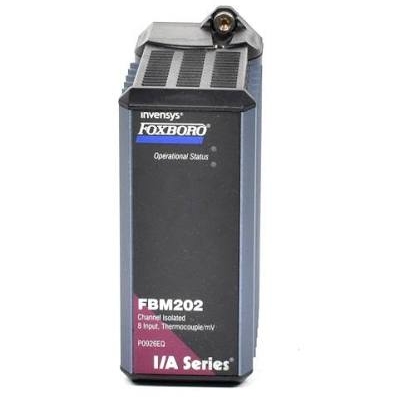
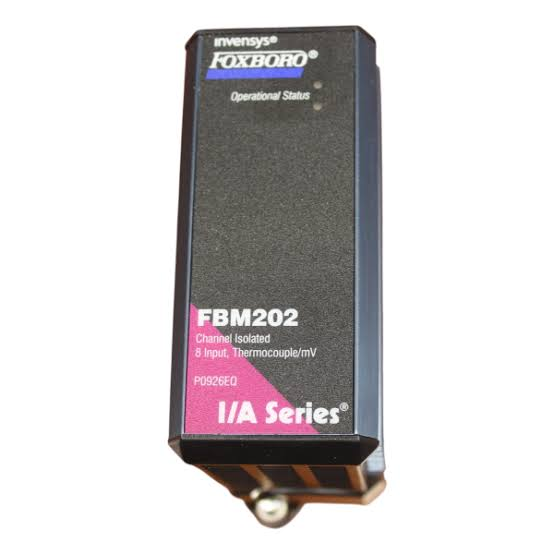
Compatible Fieldbus Modules: 200 Series FBMs (e.g., FBM201, FBM202, FBM207, etc.)
Frequently Asked Questions (FAQ)
Q1: What is the primary function of the Foxboro FCM2F2?
The FCM2F2 is a fiber optic communications extender. It allows 200 Series Fieldbus Modules (FBMs) to be installed remotely—up to 2 km away from the main control room—by converting the electrical module fieldbus signal into optical pulses for transmission over fiber optic cable.
Q2: What type of fiber optic cable does the FCM2F2 require?
The FCM2F2 requires multimode, graded-index glass fiber with a 62.5 µm core and 125 µm cladding, and a numerical aperture (NA) of 0.275. The cable must be terminated with ST-type connectors. Maximum allowable signal loss is 1 dB/km at 1300 nm and 3.6 dB/km at 850 nm. Using single-mode fiber or cable with different characteristics will not work.
Q3: How many FCM2F2 modules are needed for a redundant configuration?
For a redundant configuration connecting two baseplates, four FCM2F2 modules are required (two per baseplate). For a non-redundant configuration, only one FCM2F2 per baseplate is needed.
Q4: Can the FCM2F2 be replaced without shutting down the system?
Yes. The FCM2F2 is hot-swappable. It can be removed and replaced from the baseplate without removing power, allowing maintenance or replacement to occur without disrupting ongoing operations.
Q5: What is the maximum total fiber optic distance supported in a single FCM2F2 network?
While a single FCM2F2 segment supports up to 2 km, the total fiber optic cabling distance across all segments in the network must not exceed 20 km. Up to three fiber optic segments can interconnect a maximum of four baseplates.
Q6: How do I know if the FCM2F2 is communicating properly?
The module features six front-panel LEDs that indicate network activity to/from the module fieldbus, fiber link status, and the module‘s operational health. If LEDs are off or flashing erratically, check fiber cable continuity, connector cleanliness, and power supply at the baseplate.