Product Details
Related Product Model Recommendations
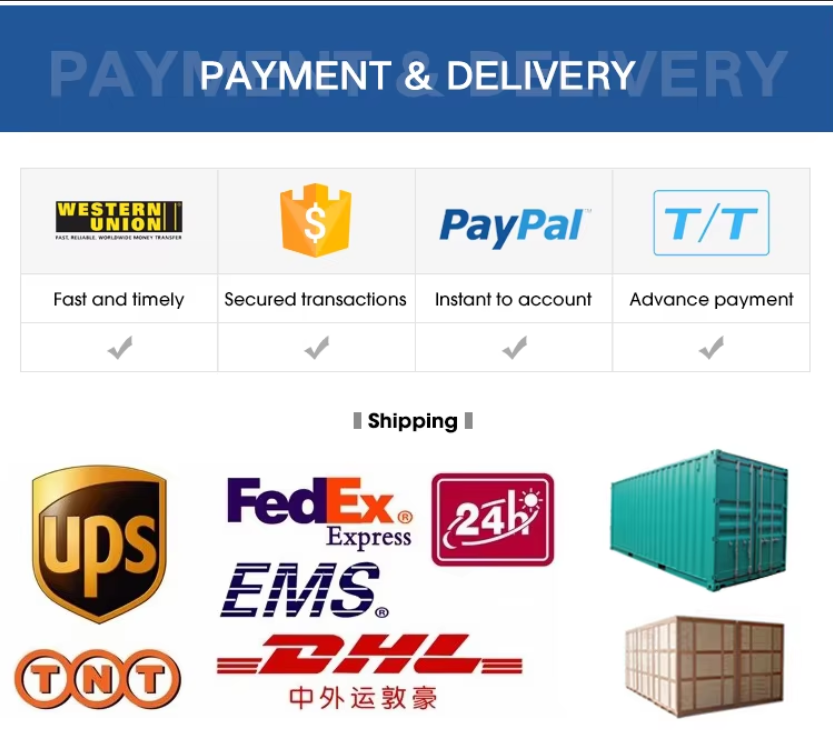
Payment & Delivery
FAQs

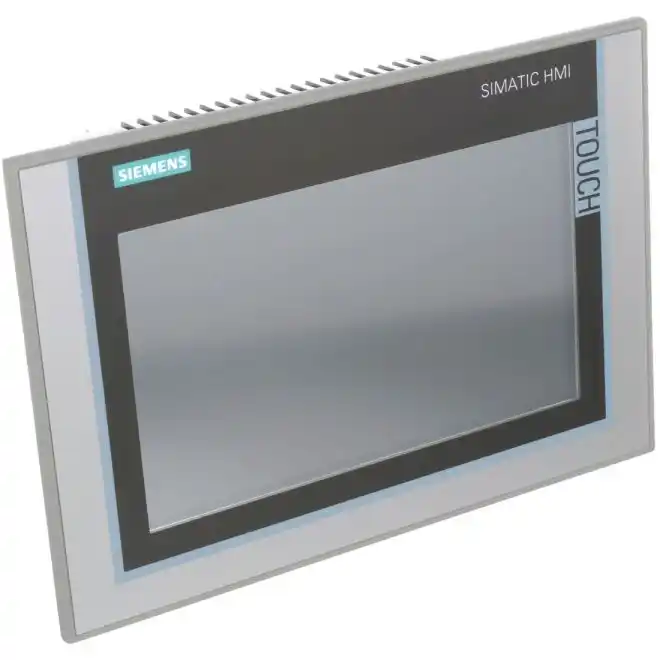
Q1: What is the primary function of the TP900 Comfort Panel?
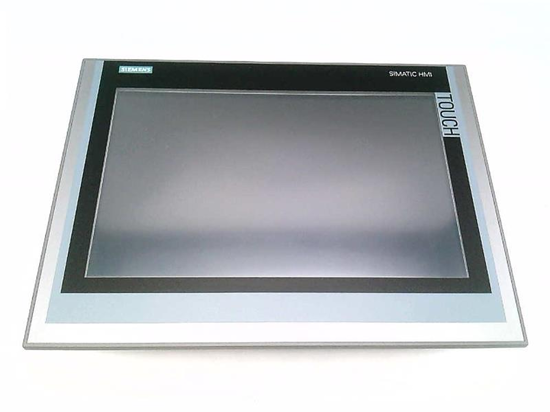
It is a human-machine interface (HMI) panel used for visualizing and controlling industrial processes. It provides a touch-based graphical interface for operators to monitor machine states, adjust parameters, and respond to alarms in automation systems.
Q2: What software is required to configure this panel?
The panel is configured using WinCC Comfort V11 or higher within the TIA Portal. It is not configurable with WinCC Basic or older software versions.
Q3: What communication interfaces does the TP900 Comfort provide?
It features 1 x PROFINET interface (with integrated 2-port switch), 1 x MPI/PROFIBUS-DP interface, and 2 x USB 2.0 ports. It also has 2 SD card slots for data storage and project backup.
Q4: Does the TP900 Comfort support OPC UA?
Yes. The panel can be used as an OPC UA client or as an OPC DA server . It also supports Modbus TCP, EtherNet/IP, and MRP (Media Redundancy Protocol) from WinCC V12.
Q5: What are the common failure modes for this panel?
A frequently reported issue is the panel stuck on the boot logo and unable to enter the system. Recommended troubleshooting steps include: (1) ProSave OS update via USB/Ethernet to reflash the firmware; (2) factory reset through ProSave; (3) if software recovery fails, hardware repair may be required (e.g., flash chip or mainboard replacement) . Users have also reported Ethernet port failure requiring Siemens repair.