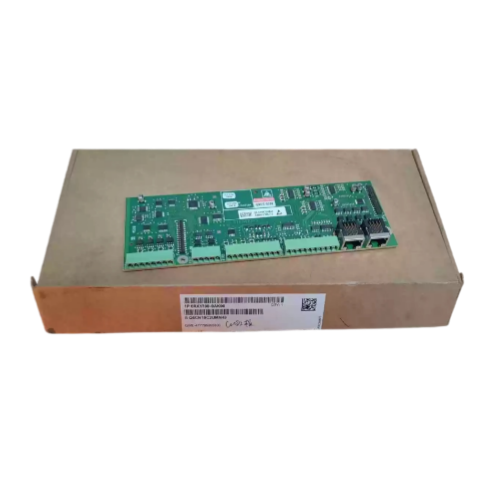
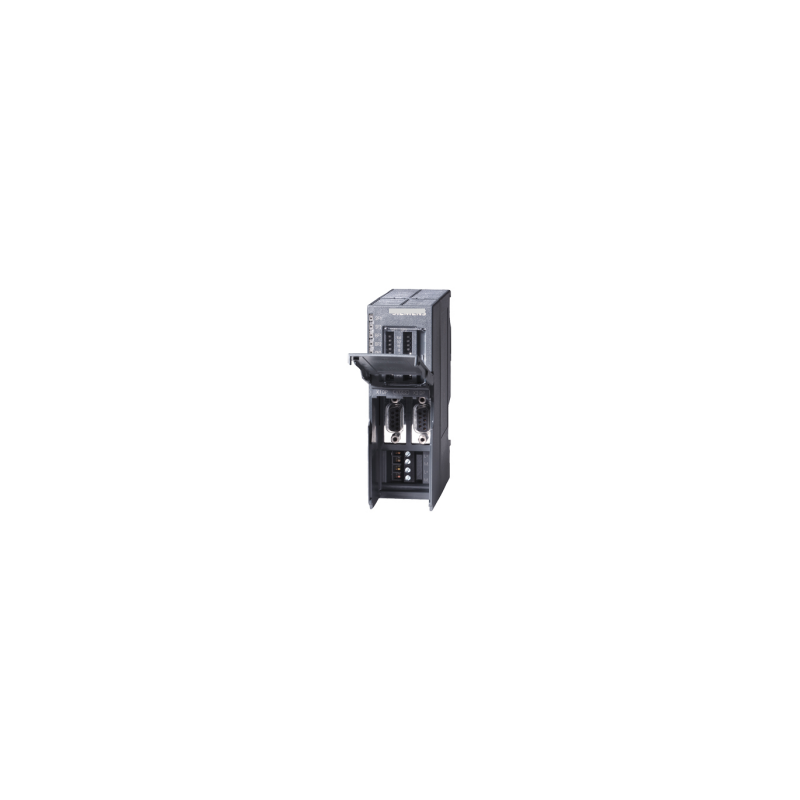
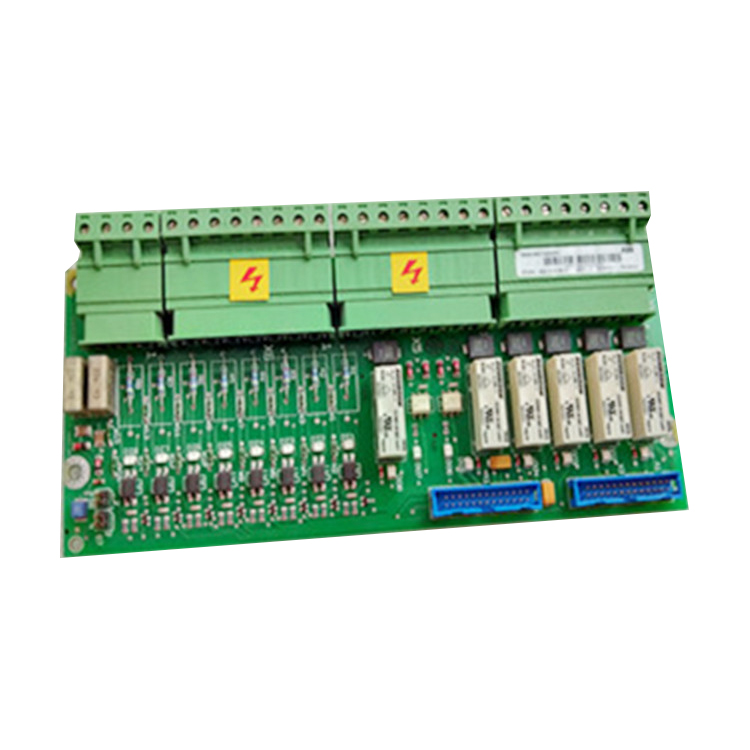
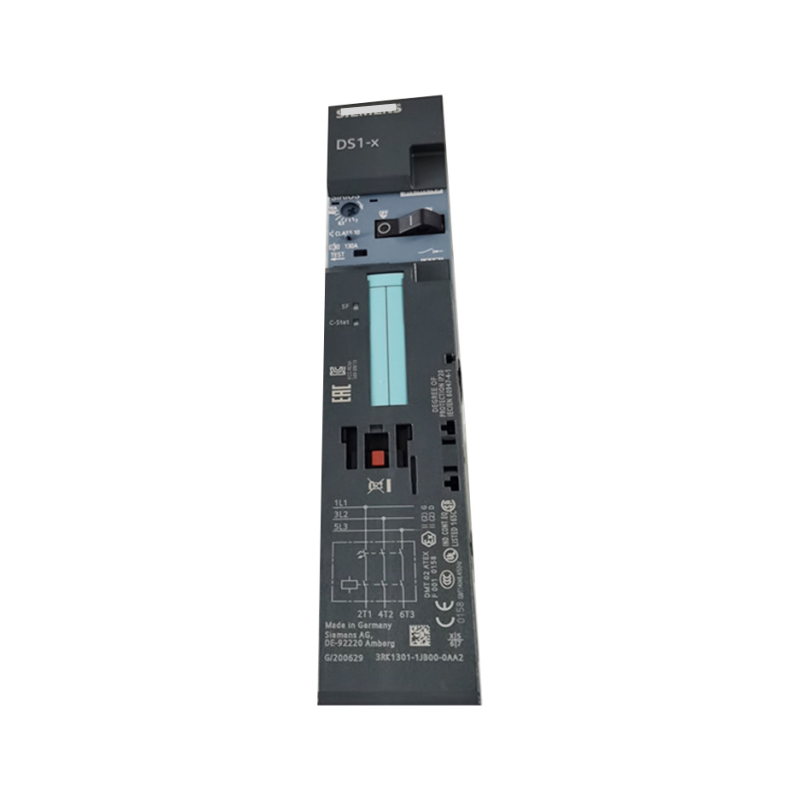
Key Features
-
Direct CUD1 Mounting – Plugs onto the base control board inside the drive; no external wiring for power or data
-
Expanded Analog I/O – Adds 2 programmable analog inputs (±10V) and 2 programmable analog outputs
-
Motor Temperature Input – Dedicated input for PTC or KTY84 motor temperature sensors
-
Additional Digital I/O – 4 opto-isolated +24V digital inputs, 4 ground-referenced inputs, and 2 transistor outputs
-
Supplementary RS-485 Port – Independent serial interface supporting USS protocol up to 187.5 kbit/s
-
Parallel Interface – Enables connection of up to 5 drives in a parallel group for coordinated operation
-
Parameter Identification – Recognized by the drive as board ID 72 (CUD1 + CUD2) in parameter i001
Technical Parameters
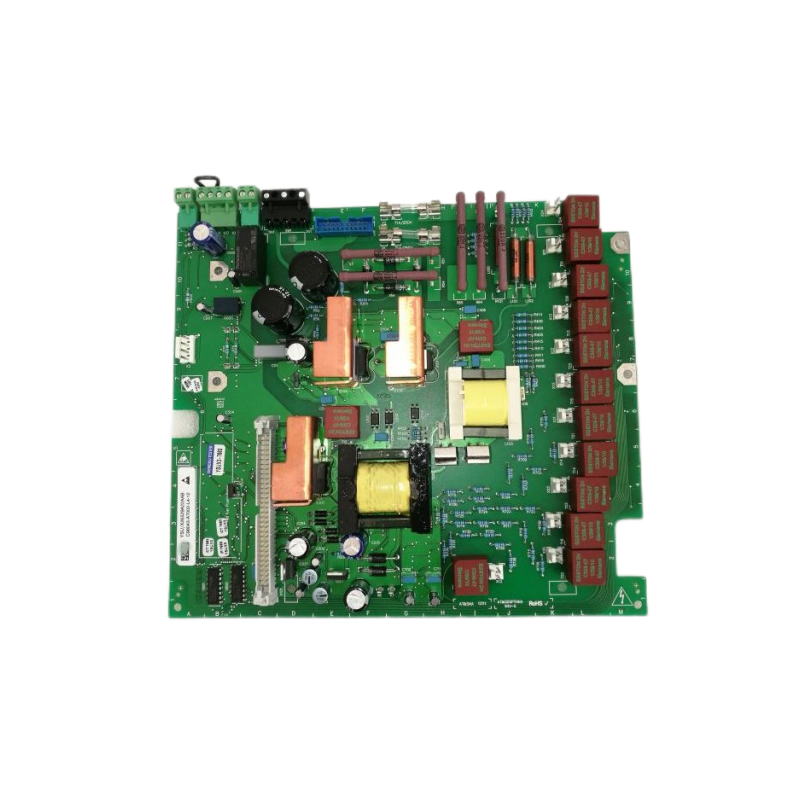
Core Advantages
1. Essential for Parallel Drive Operation
The CUD2 is mandatory for parallel connection of up to 6 SIMOREG 6RA70 converters. It provides the parallel interface (connectors X165/X166) through which drives are linked using UTP CAT5 patch cords. Without the CUD2, parallel operation is not possible. The master converter must be placed in the center of the chain to equalize signal delays .
2. Dramatically Expanded I/O Capacity
The base CUD1 board provides limited I/O. The CUD2 adds 2 analog inputs, 2 analog outputs, 8 digital inputs, and 2 digital outputs, enabling the drive to interface with a much wider range of sensors, actuators, and control signals without additional external I/O modules .
3. Independent Serial Communication
The supplementary RS-485 port on the CUD2 operates independently of the CUD1's built-in interfaces. This allows simultaneous connection to, for example, a programming tool and a plant control system (DCS/SCADA), or integration into a USS network while maintaining local diagnostics .
4. Direct Motor Temperature Protection
The dedicated PTC/KTY84 input allows direct connection of motor thermal sensors to the drive. The trip threshold is set via parameter P490. This provides critical protection against motor overheating without requiring external temperature relays .
5. Simple Installation and Configuration
The CUD2 mounts directly onto the CUD1 board using standoffs and pin connectors. No external power supply or complex wiring is required. After installation, the drive automatically recognizes the board (parameter i001 changes to 72), and configuration is performed through standard drive parameters .
Applications
The Siemens 6RX1700-0AK00 CUD2 is deployed in a wide range of SIMOREG 6RA70 DC drive applications:
Primary Functions
-
Parallel Drive Coordination – Essential for connecting up to 5 drives in a master-slave group
-
I/O Expansion – Adds analog and digital I/O for complex control tasks
-
Motor Thermal Protection – Direct PTC/KTY84 sensor input
-
Independent Communication – Supplementary RS-485 port for USS protocol
Recommended Models & Related Products
Critical Warning: The CUD2 is not compatible with SINAMICS DCM drives. It is specific to the SIMOREG 6RA70 platform. Always verify your drive model and existing board configuration before ordering.
What's Included
Note: CUD1 base board, drive unit, and cables are sold separately.
Why Buy From Us?
-
New and Original – Genuine Siemens product
-
In Stock – Ready to ship immediately
-
Fast Shipping – Expedited shipping options available
-
Warranty Included – Purchase with confidence
-
Technical Support – Drive compatibility assistance available
Frequently Asked Questions (FAQ)
Q1: What is the Siemens 6RX1700-0AK00?
It is the CUD2 terminal expansion board for the SIMOREG DC-MASTER 6RA70 DC drive series. It is an optional plug-in module that mounts onto the base CUD1 control board to expand the drive's I/O and communication capabilities .
Q2: Is the CUD2 compatible with SINAMICS DCM drives?
No. The CUD2 (6RX1700-0AK00) is designed exclusively for the SIMOREG 6RA70 platform. It is not compatible with the 6RA70's successor, SINAMICS DCM .
Q3: What additional I/O does the CUD2 provide?
The CUD2 adds:
-
Analog inputs: 2 programmable, ±10V, ±10-bit resolution
-
Analog outputs: 2 programmable, 0…±10V
-
Digital inputs: 4 opto-isolated +24V + 4 ground-referenced
-
Digital outputs: 2 transistor outputs, P24, 100mA
-
Motor temp input: PTC or KTY84
Q4: Is the CUD2 required for parallel operation of multiple 6RA70 drives?
Yes. For parallel connection of up to 6 drives, a CUD2 is required in each converter. It provides the parallel interface (X165/X166) for connecting drives with UTP CAT5 patch cords. The master drive should be placed in the center of the chain .
Q5: How does the CUD2 connect to the drive?
The CUD2 mounts directly onto the CUD1 base board using standoffs and pin connectors. No external power or data wiring is required. All signals pass through the internal connector to the CUD1 .
Q6: How can I verify the CUD2 is recognized by the drive?
After installation and power-up, check parameter i001. The value should change to 72, indicating the drive recognizes CUD1 + CUD2. If it remains 71, the CUD2 is not properly seated .
Q7: What is the supplementary RS-485 port used for?
The CUD2 adds an independent RS-485 interface supporting USS protocol at up to 187.5 kbit/s. This can be used for communication with plant control systems, programming tools, or other drives, simultaneously with the CUD1's built-in interfaces .
Q8: How do I connect a motor temperature sensor?
Connect the PTC or KTY84 sensor to terminals 204 and 205 (connector X164). Use shielded cable, grounded at both ends. Set parameter P490 to configure the sensor type and trip threshold .
Q9: Is the CUD2 a genuine Siemens product?
Yes. This is a new and original Siemens module with order number 6RX1700-0AK00 .
Q10: What is the product lifecycle status?
The CUD2 is classified under Siemens PLM status PM410: Product cancellation. Availability is limited to remaining stock and spare parts channels .
Q11: What is the net weight?
Approximately 0.4 kg .
Q12: What should I verify before ordering?
Always verify the drive model (6RA70 only), the existing CUD1 board (C98043-A7001-L1 or L2), and whether parallel operation requires a CUD2 in your specific configuration. Consult Siemens documentation or contact our technical support for assistance.