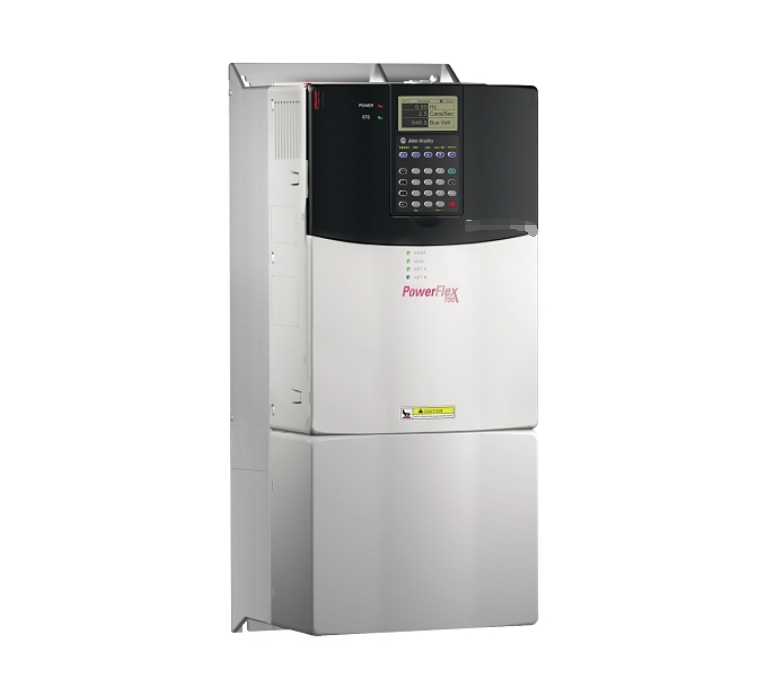
Product Details
Related Product Model Recommendations
Payment & Delivery

FAQs

Q1: What is the primary function of the 22-COMM-E?
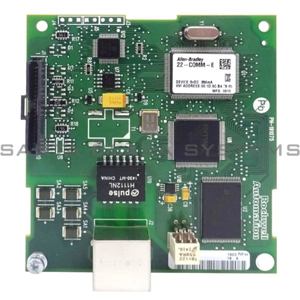
It is an EtherNet/IP communication adapter that installs into the DSI port of PowerFlex 4, 40, 40P, and 400 series drives. It enables the drive to communicate over an EtherNet/IP network for control, configuration, and data collection.
Q2: Which drives are compatible with the 22-COMM-E?
The adapter is compatible with PowerFlex 4, 40, 40P, and 400 series drives.
Q3: What is the Multi-Drive feature and why is it important?
The Multi-Drive feature allows up to five PowerFlex drives to share a single EtherNet/IP node. This reduces network hardware costs, simplifies cabling, and enables PowerFlex 4 drives (which lack native networking) to be connected to EtherNet/IP networks.
Q4: How do I configure the IP address on the 22-COMM-E?
IP address can be configured using BOOTP/DHCP or via rotary switches on the module for static addressing (octets 1-3 via switches, octet 4 stored in memory). The adapter also features embedded web pages accessible via a standard browser for monitoring and configuration.
Q5: What should I do if the adapter is not communicating after installation?
Common troubleshooting steps include:
-
Verify physical connection: Ensure the module is fully inserted into the DSI port until the locking tabs engage.
-
Check DIP switch mode: During initial configuration, set both DIP switches to ON (single-drive mode) before configuring multi-drive.
-
Perform communication reset: Use drive parameter P36 set to 1 (reset to defaults) or 2 (factory reset) via HIM or DriveExecutive.
-
Verify power: Measure voltage at DPI port pin 7 (24V) and pin 8 (COM) – should be 21.6–26.4V DC