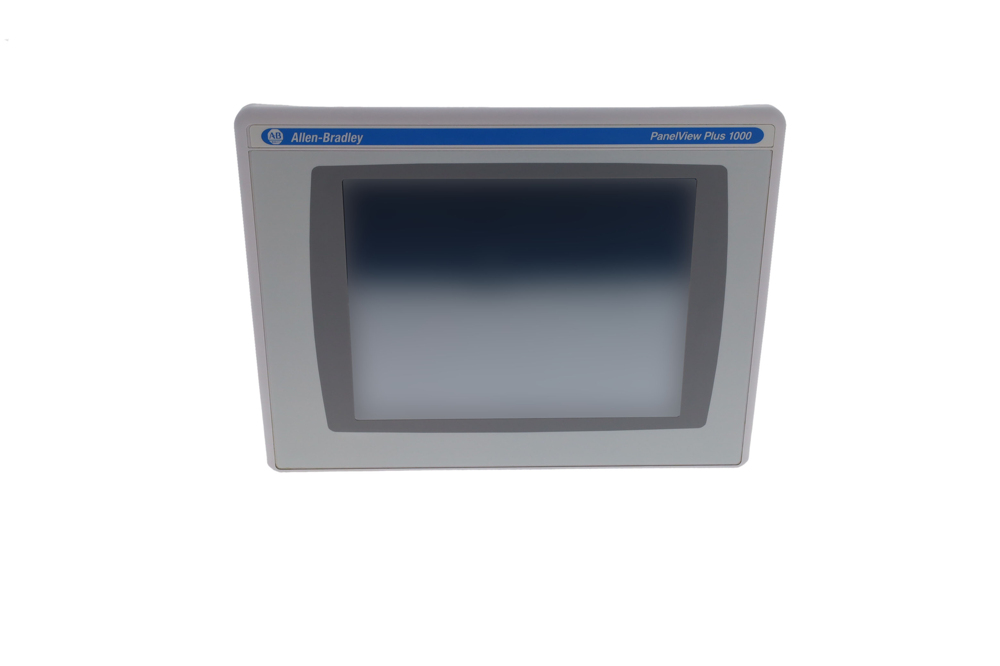
Key Parameters and Features
Core Features & Advantages
-
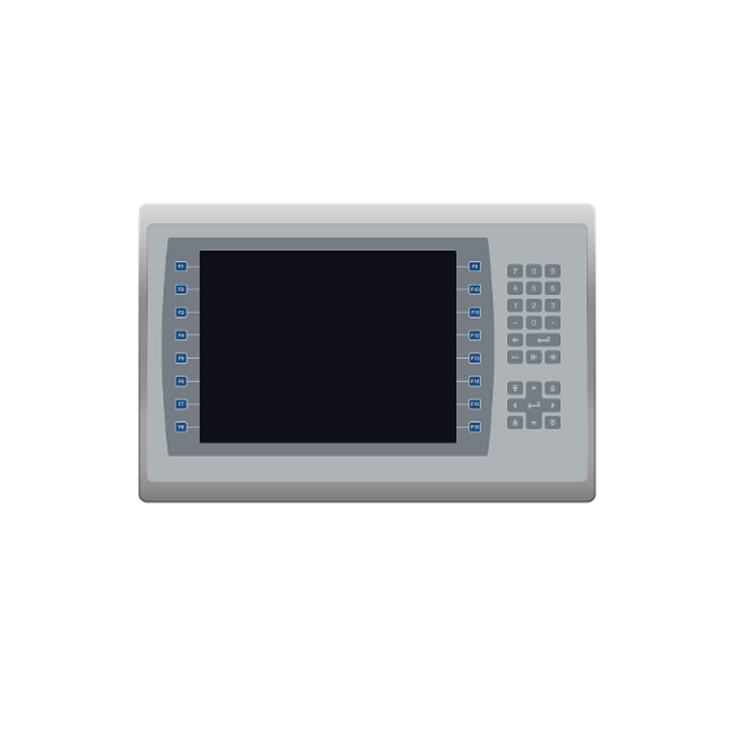
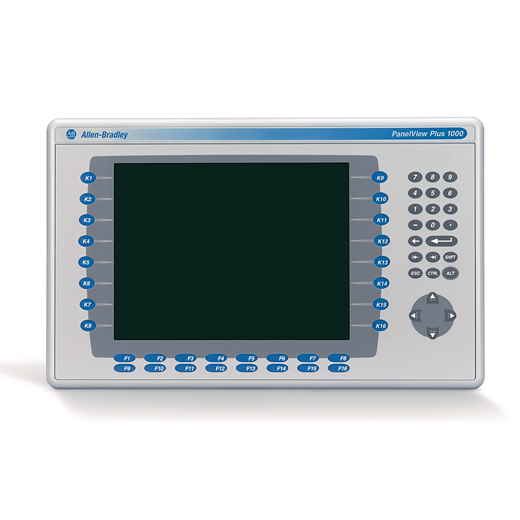
Dual Input Flexibility: The terminal features both a keypad and an analog resistive touchscreen, allowing operators to choose their preferred input method. The resistive touchscreen is designed to register commands accurately even when operators wear heavy industrial gloves, making it ideal for demanding factory environments.
-
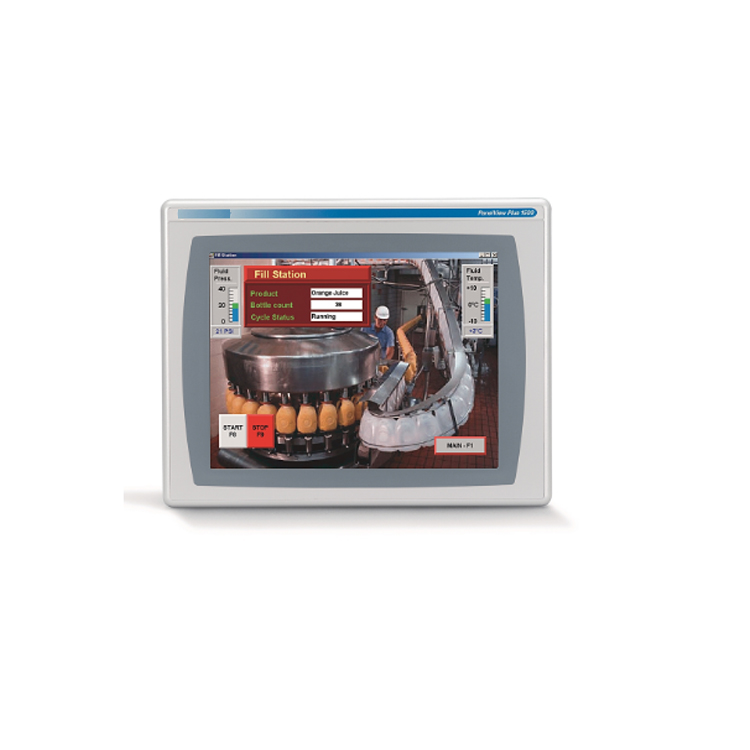
Large 12.1-Inch Color Display: The full-color TFT display provides clear visualization of complex process graphics, mimic diagrams, and trending charts. The larger field of view reduces operator error by presenting critical diagnostic data without excessive screen switching.
-
Modular Component Design: The PanelView Plus 1250 features a modular architecture consisting of a display module, logic module, and optional communication module. This design enables flexible configuration, easy installation, and straightforward upgrades.
-
Programmable Function Keys: The keypad includes function keys that can be programmed to save common application functions, allowing operators to activate frequently used commands quickly.
Typical Applications
The PanelView Plus 1250 series is widely used across various industrial sectors for operator interface and machine control:
-
Process Automation: Monitoring and controlling continuous processes in chemical, pharmaceutical, and food processing plants
-
Packaging Lines: Providing intuitive control interfaces for high-speed packaging machinery
-
Equipment Control Panels: Serving as the primary HMI for machine tools, assembly equipment, and material handling systems
Frequently Asked Questions (FAQ)
Q1: What software is used to program the 2711P-B12C6A1?
A: The PanelView Plus 1250 is programmed using FactoryTalk View Machine Edition (ME). This Rockwell Automation software allows users to create interface screens, configure tag communications, and deploy applications to the terminal via USB or Ethernet.
Q2: What communication options are supported?
A: This model supports DH+/RIO/DH-485 communication protocols. It provides reliable data transfer and connectivity for integration with Allen-Bradley controllers including CompactLogix, ControlLogix, SLC 500, and MicroLogix systems.
Q3: Can the display be used with gloves?
A: Yes. The analog resistive touchscreen technology permits operation in environments containing dust, moisture, or chemical splashes. The interface registers commands accurately even when operators wear heavy industrial gloves.
Q4: What is the input voltage requirement?
A: The terminal operates on an external 85-264V AC power supply with an input frequency of 47-63 Hz.
Q5: What are the status indicators on this terminal?
A: The terminal features two status LEDs on the logic module: COMM (green) indicates communication activity, and FAULT (red) indicates hardware or firmware faults. During normal startup, the FAULT LED should remain off while the COMM LED stays on.
Q6: Can I upgrade from a PanelView Plus 1250 to a newer HMI?
A: Yes. Migration options include the PanelView Plus 7 and PanelView 5000 series. These offer faster processing, enhanced connectivity, and updated software features. Application files can often be converted in FactoryTalk View Studio, though some adjustments may be required.
Recommended Models & Related Products
The 2711P-B12C6A1 is part of the PanelView Plus 1250 family. Below are related models and migration options:
Choosing the Right Model
-
For legacy system maintenance: The 2711P-B12C6A1 is a direct replacement for existing PanelView Plus 1250 installations requiring DH+/RIO/DH-485 communication.
-
For systems requiring Ethernet connectivity: Consider the 2711P-B12C4A6 which offers Ethernet and RS-232 communication with increased memory.
-
For new installations or upgrades: The PanelView Plus 7 or PanelView 5000 series provide modern features and are actively supported by Rockwell Automation.