Products Description
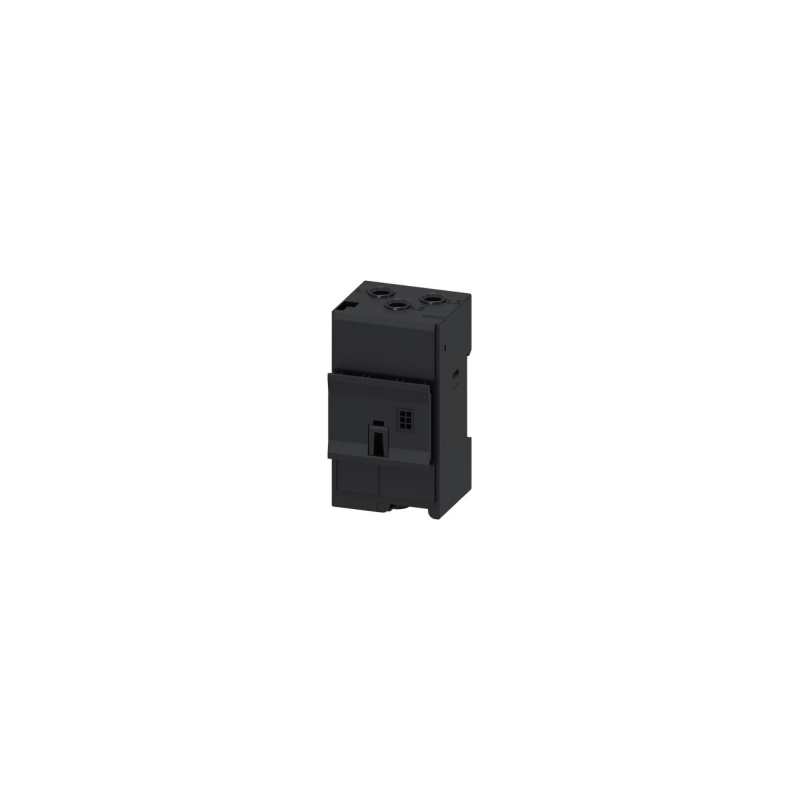
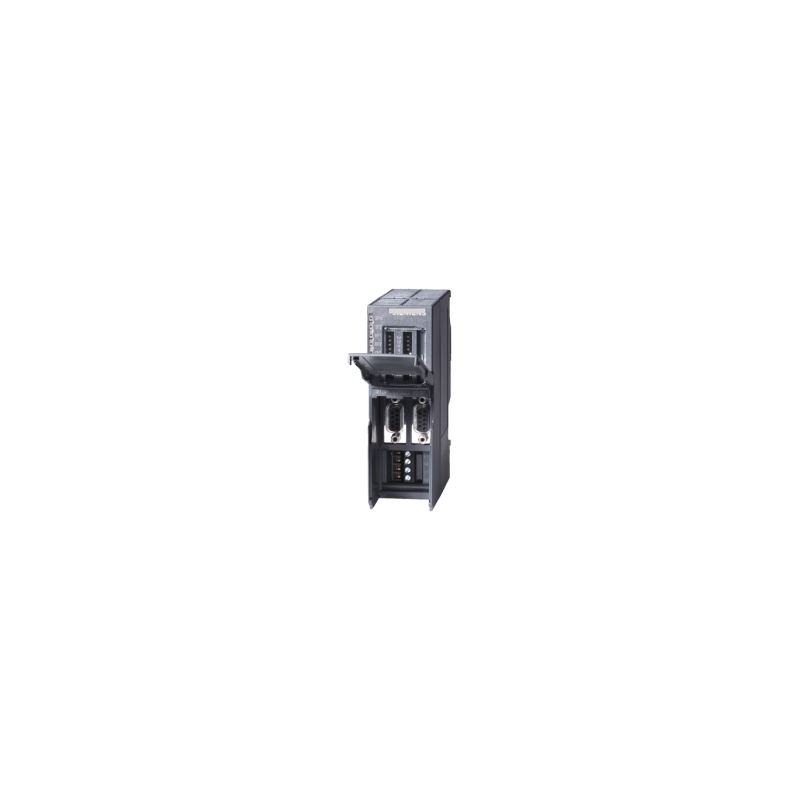
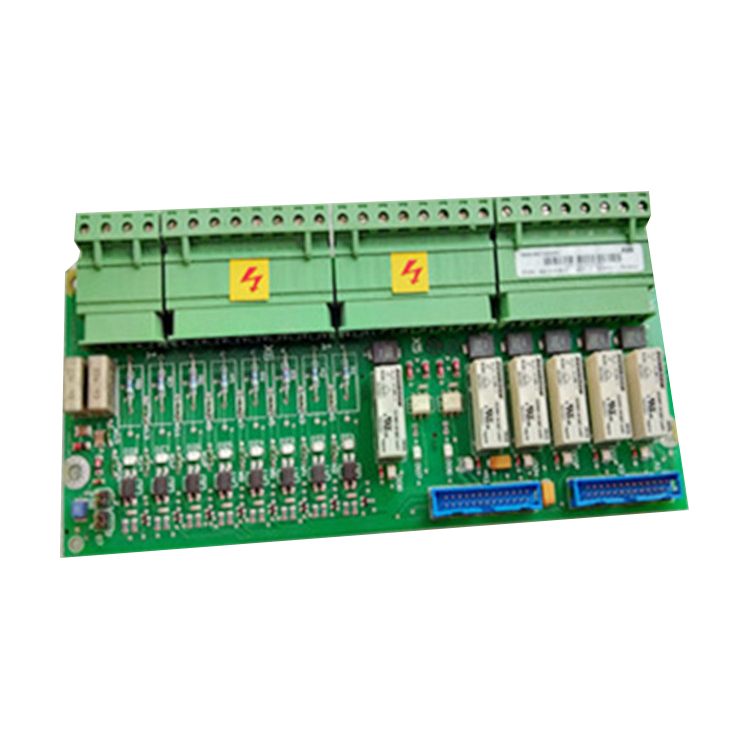
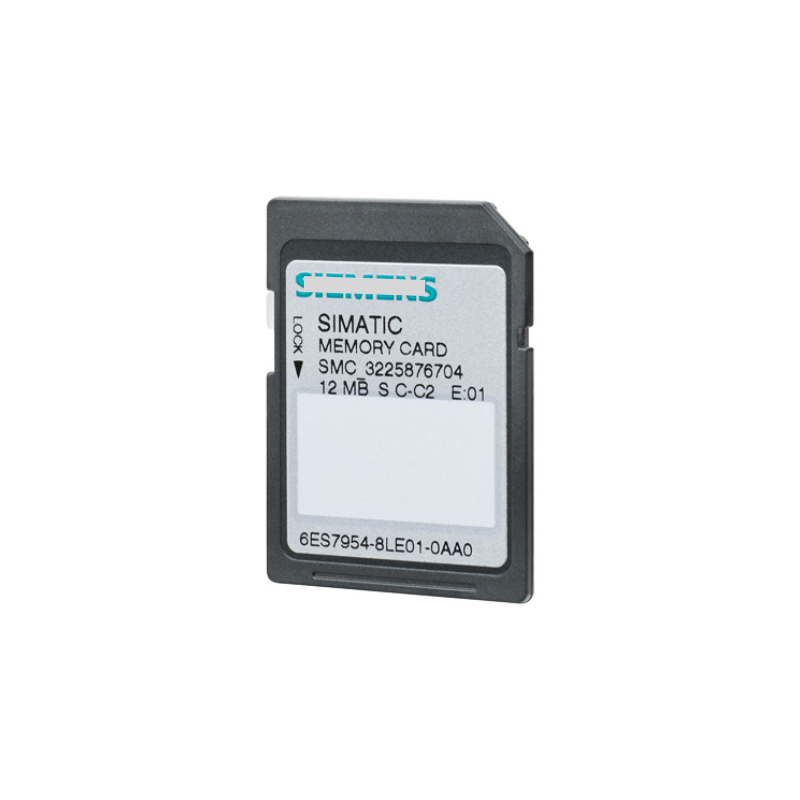
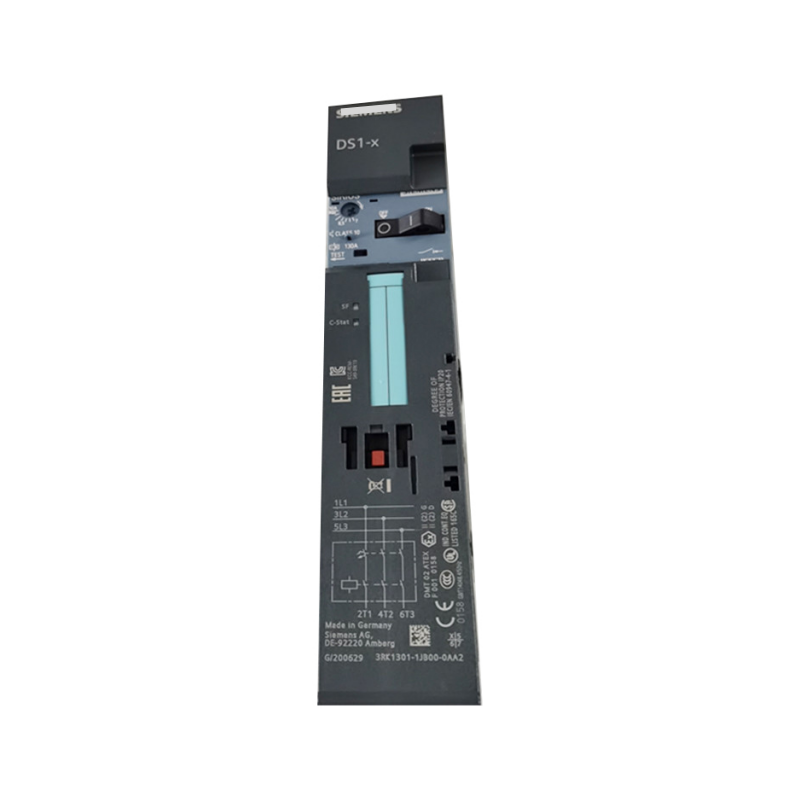
Allen-Bradley 22-COMMM-E plc module in stock
| Model Number |
22-COMMM-E |
| Place of Origin |
USA |
| Dimension/Weight |
0.5 kg |
| Condition |
new and original |
| Warranty |
1 year |
Shipping term
|
DHL Fedex TNT EMS UPS |
| Payment |
TT / Western Union |
| Delivery Time |
3-5 days |
Service
|
24 Hours Online Service |
Packing&Delivery
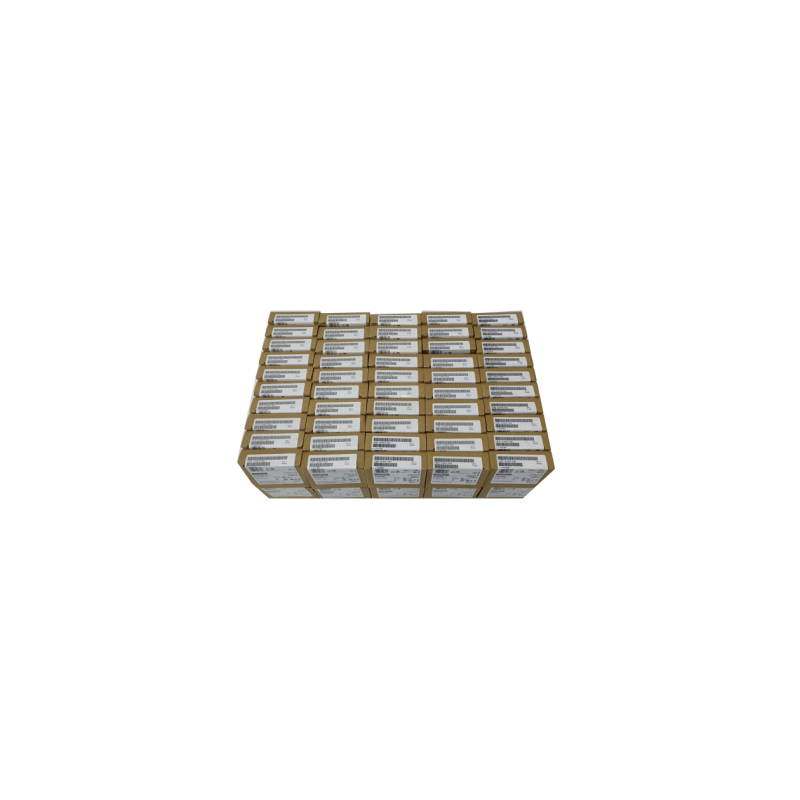
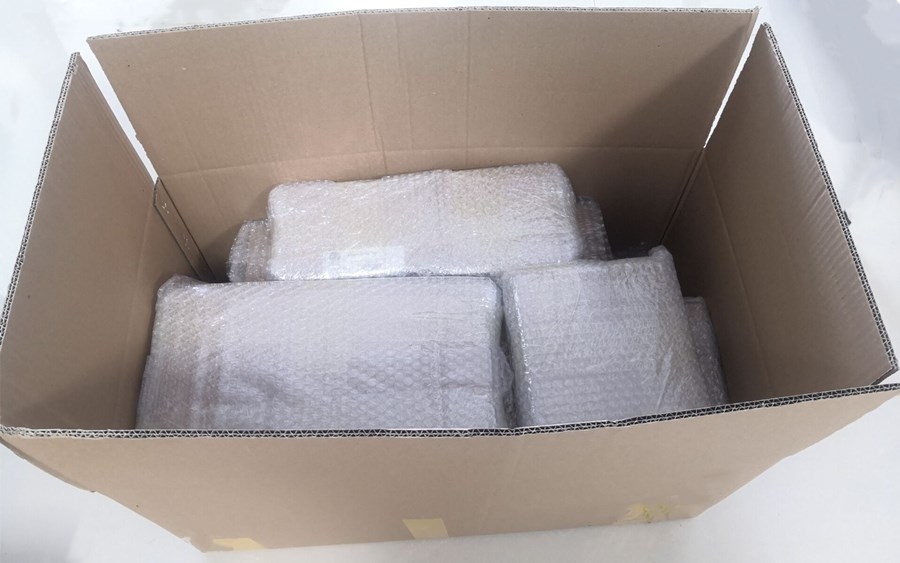
In order to save the freight and reduce your budget, we choose the packaging for environment-friendly. We use foam board with 3 cm thick to fill in all around the box inside to protect parts, then use carton to pack the parts, but if they are too heavy, we will customized the wooden box for them.Shipping term DHL Fedex TNT EMS UPS.
FAQ
Q1: What is the primary function of the 22-COMM-E?
It is an EtherNet/IP communication adapter that installs inside a PowerFlex 4-Class drive, enabling the drive to be controlled, configured, and monitored over an EtherNet/IP network .
Q2: Which drives are compatible with the 22-COMM-E?
The adapter is compatible with PowerFlex 4, 4M, 40, 40P, and 400 drives . Note that the PowerFlex 4 (not 40) uses this adapter via the internal DSI interface, while the PowerFlex 40 also supports DeviceNet via a different module .
Q3: Does the 22-COMM-E support Multi-Drive?
Yes. Multi-Drive allows up to five PowerFlex component-class drives to connect to a single EtherNet/IP node. This requires configuring the Operating Mode Switch (SW1) to the ON position and setting parameters 22 through 28 in the adapter .
Q4: How do I set the IP address?
The adapter ships DHCP/BOOTP-enabled. You can set a static IP using a HIM (Human Interface Module), DriveExplorer software with a 22-SCM-232, or a BOOTP/DHCP server. Some users have reported needing to use a HIM to enable DHCP before software-based configuration works .
Q5: What is the default IP address?
Allen-Bradley Ethernet devices do not have a default or fallback IP address. Out of the box, the adapter is set for DHCP/BOOTP and requires a server or manual configuration to obtain an address .
Q6: What are the communication rates supported?
The adapter supports 10 Mbps Full Duplex, 10 Mbps Half Duplex, 100 Mbps Full Duplex, and 100 Mbps Half Duplex .
Q7: What is the country of origin and warranty?
The 22-COMM-E is manufactured in Mexico. Standard warranty varies by supplier; DO Supply offers a 2-year warranty on refurbished units .
Q8: Is a communication option cover required?
Yes. A comms option cover is required for EtherNet and DeviceNet modules. Choose the cover that matches the PowerFlex 40 frame size (B or C) .
Recommended Models