FAQ
1. How do I calibrate the SIWAREX FTA using SIWATOOL FTA?
• Brief procedure:
1. Connect the PC to the SIWAREX FTA module via the RS232 interface and launch the SIWATOOL FTA software.
2. Enable Service Mode (Service Mode = 1).
3. Configure the parameters in Data Record 3 (DR3), including weighing units, resolution range, and calibration weight.
4. Execute the "Set zero valid" (set to 3) and "Adjustment weight 1 valid" (set to 4) commands in sequence.
5. Disable Service Mode (Service Mode = 2) to complete the calibration.
• For a detailed calibration workflow, please refer to the SIWAREX FTA calibration guide (PDF).
2. Is it possible to upload a program file from an MMC (Micro Memory Card) and download it to a new module using SIWATOOL V4 or SIWATOOL FTA software?
• Answer: No. It is not possible to directly extract configuration files from an MMC and download them to a replacement module using SIWATOOL software. When a module is replaced, parameters must be reconfigured and the unit must be recalibrated.
3. What software is required to integrate a SIWAREX weighing module into SIMATIC PCS7?
• Answer:
• The corresponding version of the HSP (Hardware Support Package) must be installed.
• AS function blocks: SFT_AWI (FB461) for scale control, CMD_AWI (FB647) for commands, and MOD_SIWA (FB648) for diagnostics and maintenance.
• OS panels: These provide a standard view, a dosing view, and a service view.
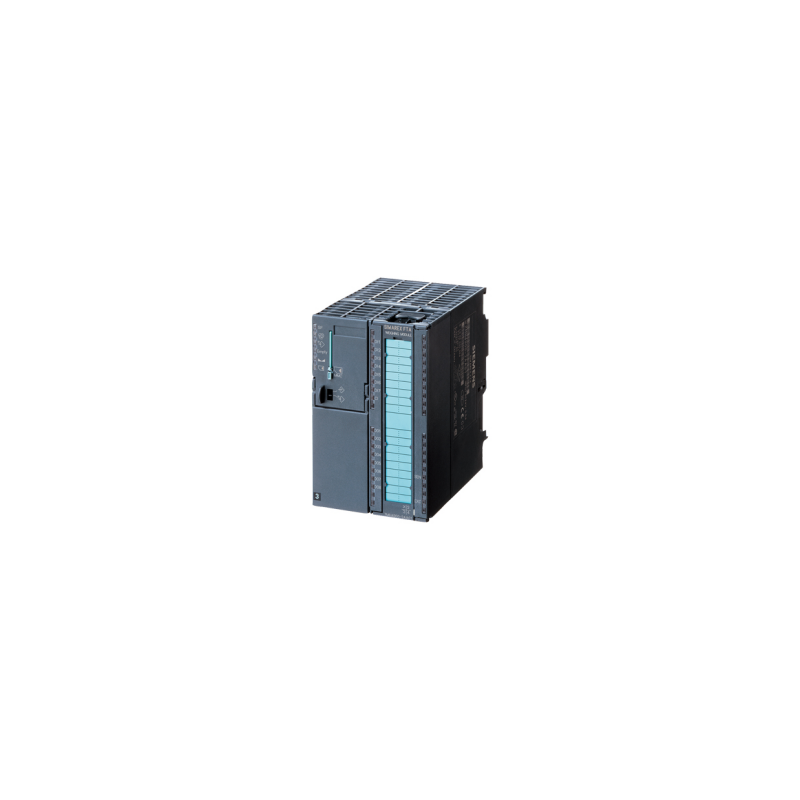
4. What are the primary interfaces and I/O configurations of the module?
• I/O configuration: 7 digital inputs (DI), 1 control input (CI), 8 digital outputs (DQ), and 1 analog output (AQ). • Communication and weighing interfaces: 1x RS485, 1x RS232, and 1x load cell (LC) interface (supporting 1–4 mV/V).